AI Chatbot vs. Hiring a Human Chatter — The Real Cost Comparison
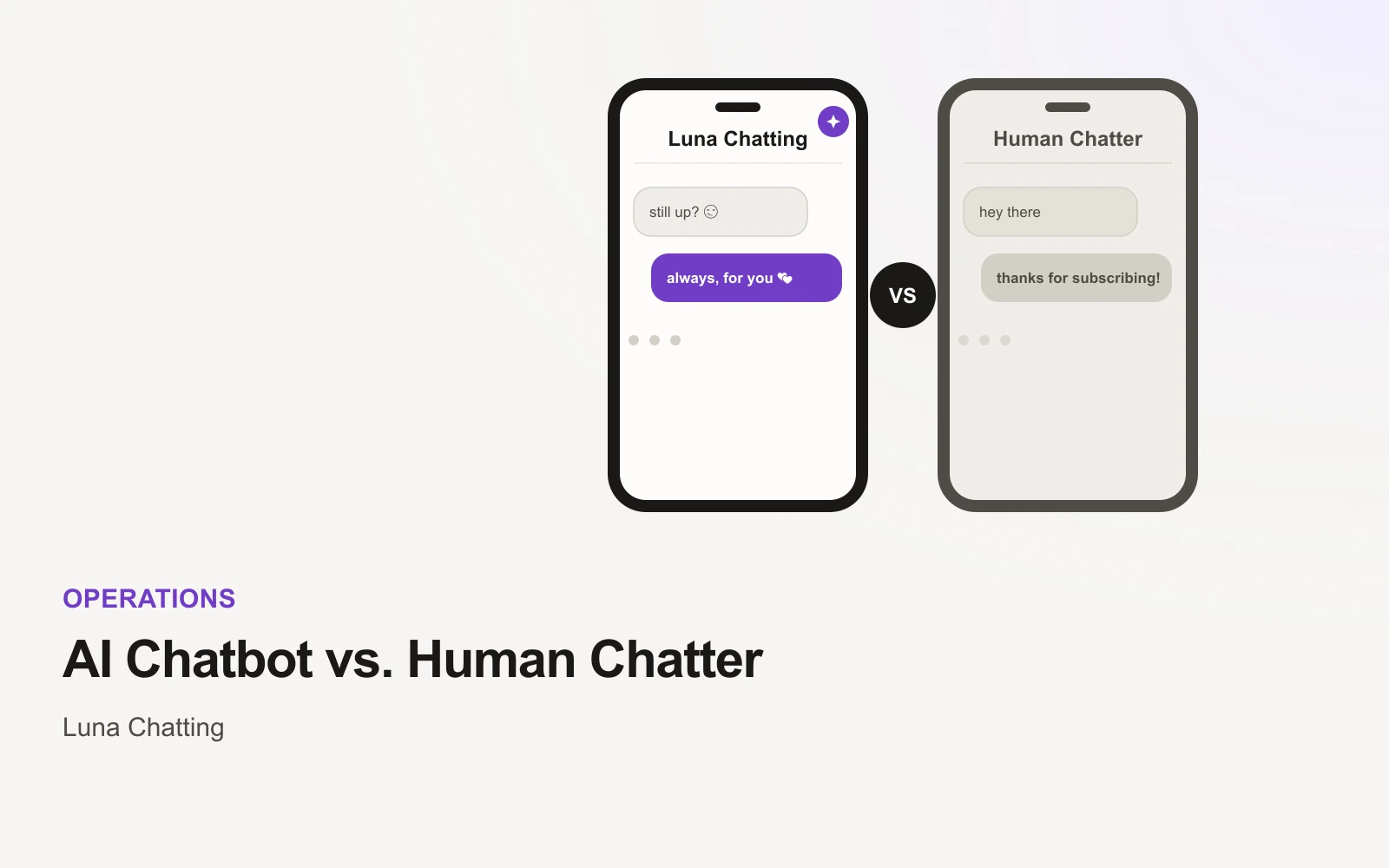
"An agency takes a cut, an AI tool has a flat fee" is true but not concrete enough to actually decide anything. Here's what that difference looks like in real dollars, at a few different income levels.
What Does an AI Chatbot Cost vs. a Human Chatter?
A chatting agency's human chatters are commonly paid for with a 30–50% cut of the revenue those conversations generate, on top of any flat management fee. An AI chatting assistant like Luna Chatting charges a flat monthly fee — $100 for a month, down to $70/month on an annual plan — plus a 7% commission. Using 40% as an illustrative midpoint for an agency's cut, here's what that gap looks like at a few chat-driven revenue levels:
| Monthly chat revenue | Agency cut (~40%) | Luna Chatting (monthly plan) | Difference |
|---|---|---|---|
| $2,000 | $800 | $240 (100 + 7% of 2,000) | $560/mo |
| $5,000 | $2,000 | $450 (100 + 7% of 5,000) | $1,550/mo |
| $10,000 | $4,000 | $800 (100 + 7% of 10,000) | $3,200/mo |
These are illustrative numbers based on a commonly cited agency cut range, not a guarantee of any specific agency's actual rate — real contracts vary. The shape of the comparison is the point: one cost scales with income, the other mostly doesn't.
Why the Gap Gets Bigger as You Grow
A percentage-based cost and a flat cost behave completely differently as revenue changes. The agency's fee is designed to grow alongside a creator's success — the better the account does, the more the agency earns, indefinitely. The flat-fee model does the opposite: the software cost stays close to fixed (only the small commission moves with revenue), so a creator keeps a growing share of their own growth instead of it being split at the same ratio forever.
This is the actual mechanism behind "agencies get more expensive the more successful you are" — it's not a hidden fee, it's just how percentage-of-revenue pricing works over time.
What You're Not Paying For Anymore
Some of the agency cost isn't really "chatting" — it's the overhead of running a team: recruiting chatters, training them on a creator's tone, managing shift coverage, and absorbing turnover when a chatter leaves and a new one has to be trained from scratch. An AI chatting assistant removes that overhead structurally, not just financially — there's no team to manage because there's no team, and retraining a new hire on your voice isn't a recurring event.
The tradeoff is what a creator gives up along with that cost: a human's judgment in conversations that call for it, and the option to hand off account access entirely rather than staying involved.
Are There Cases Where a Human Chatter Is Still Worth It?
Yes, honestly. A skilled human chatter can read nuance, handle an unusual or emotionally complex conversation, and improvise in ways a tool trained on past patterns can't fully replicate. For a creator with the income to comfortably absorb a 30–50% cut and who wants to be almost entirely hands-off, an agency's judgment is a real advantage, not just a cost.
The comparison in this post is about the routine, high-volume part of chatting — warm-up, replies, follow-ups — where the dollar gap is largest and an AI chatting assistant's consistency matters more than a human's improvisation. It's not a claim that software is strictly better in every conversation, only that it's dramatically cheaper for the bulk of what chatting actually is.
Try the Cheaper Option First
Luna Chatting's 7-day free trial costs nothing to test against your own numbers before comparing it to anything else.
Run your own numbers with your actual chat revenue, not the examples above — the ratio holds regardless of the scale.
Sigue leyendo
Guías relacionadas
Consejos de Chat
What Actually Happens During an OnlyFans AI Chat Assistant's Free Trial
Consejos de Chat
Luna Chatting vs. Supercreator — ¿Qué herramienta de chat con IA para OnlyFans te conviene?
Consejos de Chat
Luna Chatting vs. Infloww — ¿Asistente de chat con IA o kit de herramientas para chatters?
¿Listo para probar el flujo de calentamiento en tus propios chats?
Empieza la prueba de 7 días en tu navegador o habla con el equipo sobre la activación de licencias y la configuración del traspaso.
Empezar prueba de 7 días